

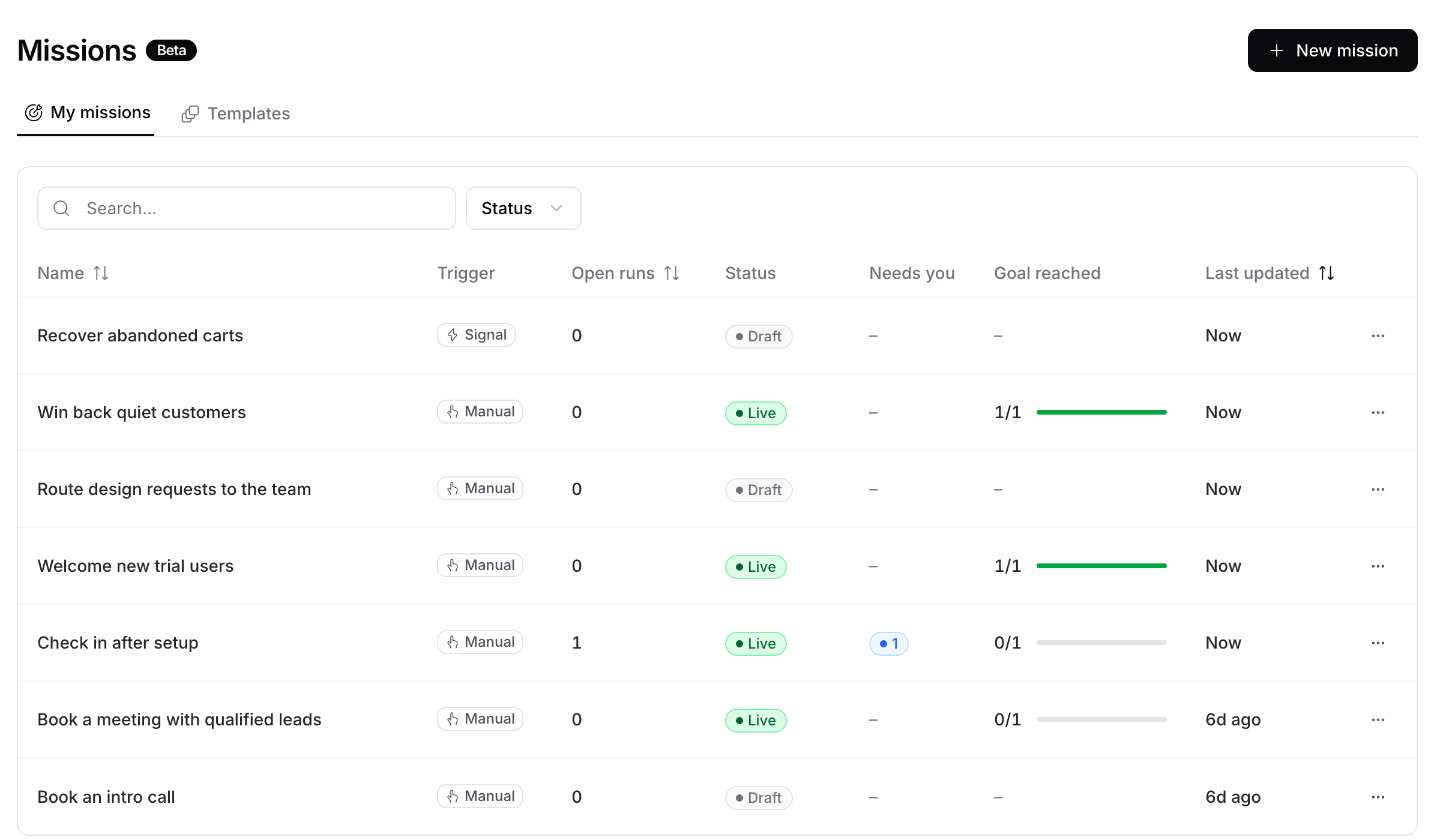
How a mission works
- A run starts. A run is one mission working with one person, or with everyone at one company. It starts when one of your rules fires, for example when a contact is created, or when you start it by hand.
- The agent picks the next step. It reads what it knows about the person, then sends an email, a WhatsApp message, places a call, or asks you something. It also sets when to check in again.
- You approve it, or it goes ahead. By default, anything that reaches a customer waits for you on the run page. You can let a mission act without approval.
- Your AI agent answers replies. The channel that got the reply answers it, the same way it answers any customer, with the mission’s goal in mind. The reply also wakes the mission agent so it can plan what’s next.
- The run ends. It ends when the goal is reached, when it fails or runs out of time, or when you stop it.
The mission agent doesn’t write replies. Your AI agent’s channels do, using its instructions, Data Sources, Procedures, and Actions.
Words you’ll see
What a mission can do
You turn each action on or off per mission. A mission can:- Send an email or a WhatsApp message, place a phone call, or show a message in your app or site
- Ask you a question, or create a Linear task for a teammate
- Edit a contact, add another person to the run, or research a person
- Read and search past conversations and tickets
- Use your AI agent’s own Actions, such as custom actions, Shopify, Stripe, Calendly, and Cal.com
Credits
Each step a mission takes uses 2 message credits from your workspace. Every mission also has a monthly credit limit, 1,000 by default, so one mission can’t use all your credits. When a mission hits its limit, its runs pause until you raise it. When the workspace runs out of credits, runs pause until you add more. Either way, the mission owner gets an email.Who can do what
Missions have their own access levels, separate from editing the AI agent. Your teammate’s role decides which ones they have.
When a role can’t do something, the page tells you, for example “Your role can’t create missions”. Changing a mission’s owner also needs access to manage members.
Next steps
Create a mission
Start from a template, a short description, or scratch.
Configure a mission
Every setting, card by card.
Signals and events
Start and steer runs from what happens in your product.
Runs
Follow runs and approve what the agent wants to do.