

What two-factor authentication does
Two-factor authentication (2FA) adds an extra step when you sign in or perform sensitive actions, so your account stays protected even if someone knows your password. With 2FA enabled in Chatbase, you:- Sign in with your email and password
- Then confirm using:
- A 6‑digit code from an authenticator app (TOTP), or
- A one-time recovery code as backup
Enable 2FA for your account
1
Open your account security settings
- Sign in to the Chatbase dashboard.
- Click your avatar at the bottom-left of the sidebar.
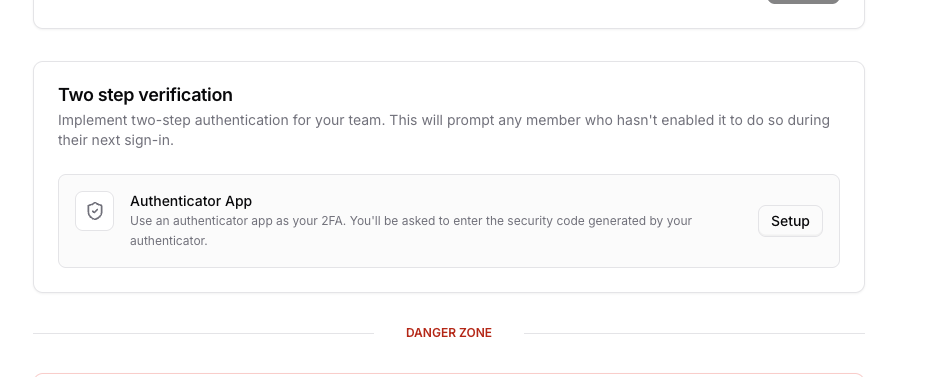
- Select Account settings and open the Two step verification section.
2
Scan the QR code with your authenticator app
- Select Set up two-step verification.
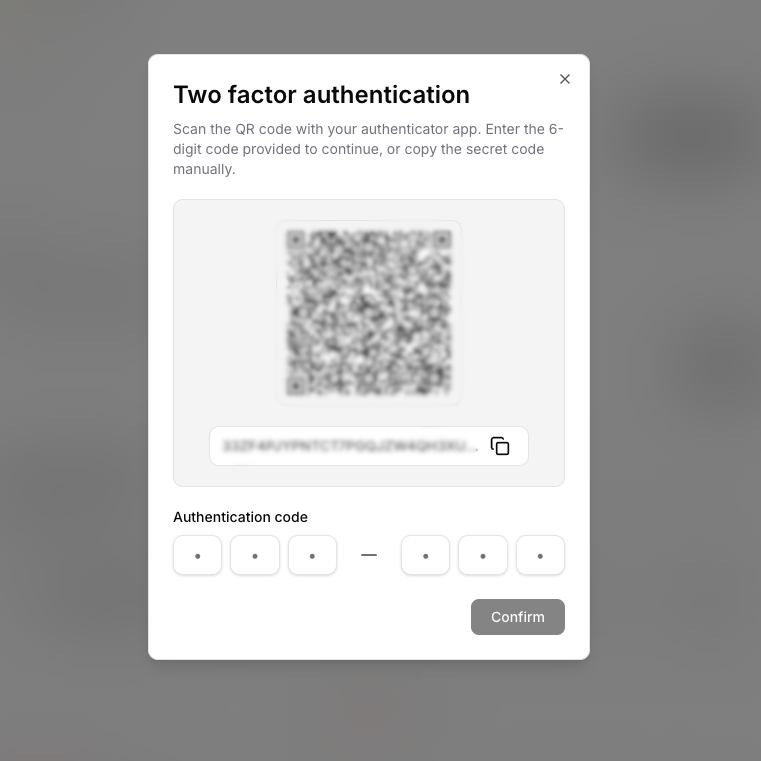
- Open your authenticator app (for example, Google Authenticator, 1Password, or Authy).
- Scan the QR code shown in Chatbase.
3
Confirm with a 6‑digit code
- In Chatbase, enter the 6‑digit code from your authenticator app.
- Select Confirm to finish setup.
After confirmation, you’ll be prompted for a 2FA code the next time you sign in.
Recovery codes
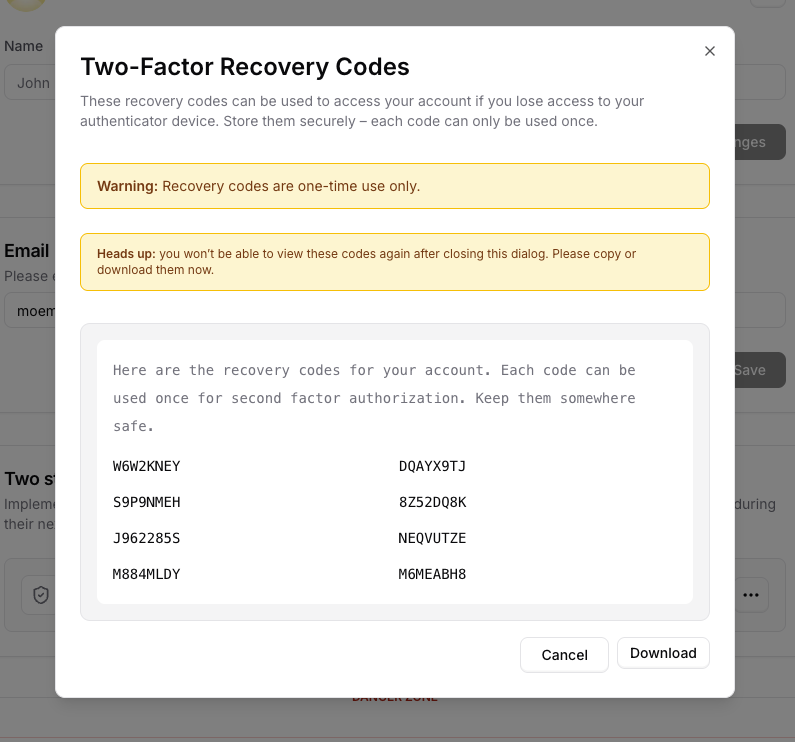
Recovery codes let you sign in when you don’t have access to your authenticator app (for example, if you lost your phone). Key rules:- You see recovery codes only once when you generate them
- Each code is single-use
- Generating a new set of codes invalidates all previous codes
Generate and download recovery codes
- In the Chatbase dashboard, go to Account settings → Two step verification.
- Open Manage recovery codes.
- Select Generate codes.
- Copy or download the codes and store them securely.
Sign in with 2FA
When 2FA is enabled, the sign-in flow looks like this:- Enter your email and password as usual.
- If your account requires 2FA, Chatbase redirects you to a Two-factor authentication page.
- On this page you can:
- Enter a 6‑digit code from your authenticator app, or
- Select Use a recovery code and enter one of your single‑use codes.
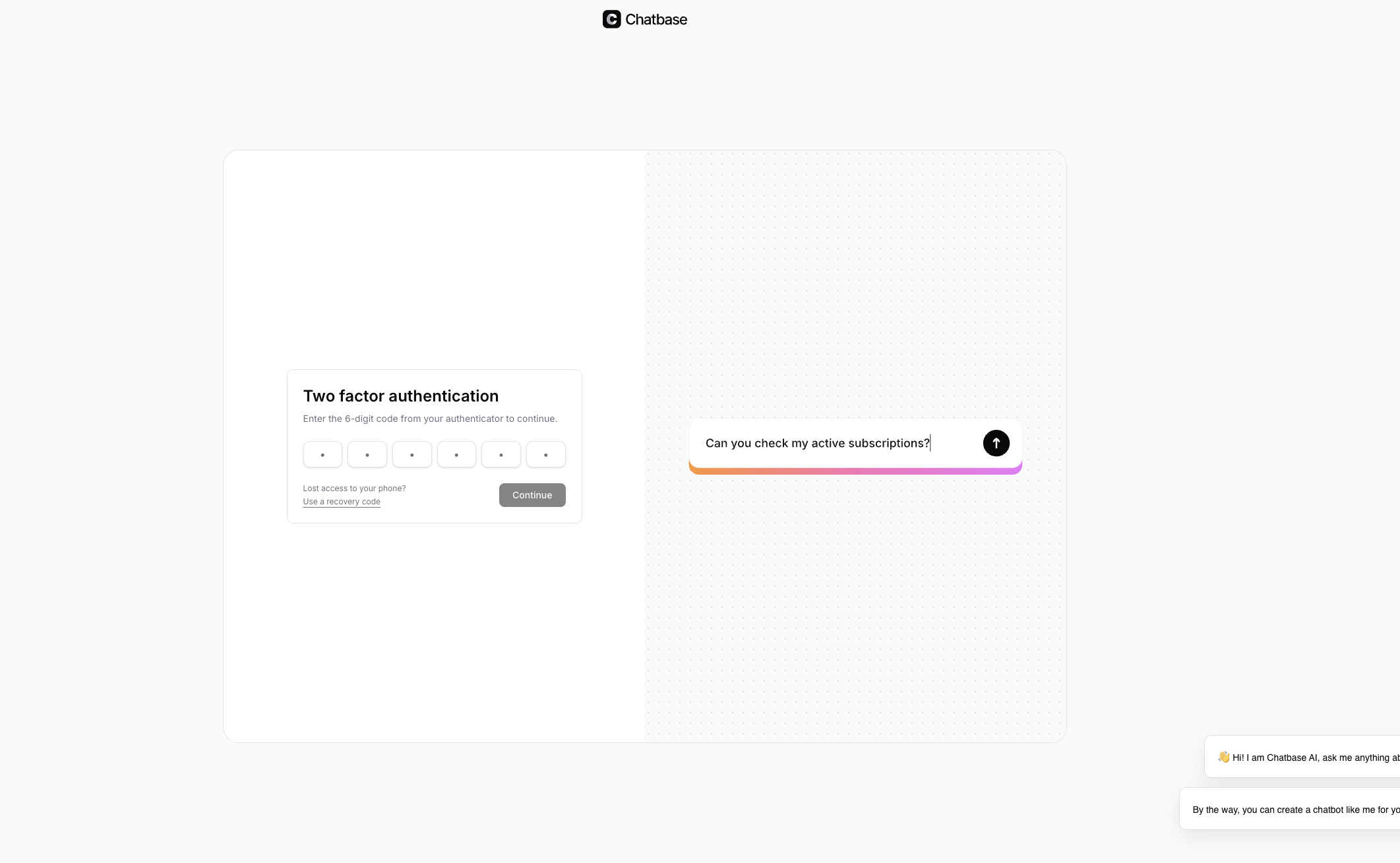
If you close or navigate away from the 2FA challenge page without completing it, Chatbase signs you out to protect your session.
Change email or 2FA settings
Some actions in Chatbase are protected by 2FA, including:- Changing your account email
- Managing or regenerating recovery codes
- Removing 2FA from your account
- A 6‑digit authenticator code, or
- A recovery code (for most actions)