Overview
AI Actions let your AI agent do more than answer questions. During a conversation, the AI agent can trigger a task, pull in data, or hand off to a person, so it can actually resolve requests instead of just replying to them. Each Action connects your AI agent to a specific tool or workflow.You can create more than one Action of the same type. For example, Escalations on your website and Escalations on Instagram, in case they need separate When to use rules or different data to collect from the customer before opening the ticket.
Saving puts your changes in a draft. Your customers see them once you click Publish in the top-right corner. A few settings go live as soon as you save. See Drafts and versions.
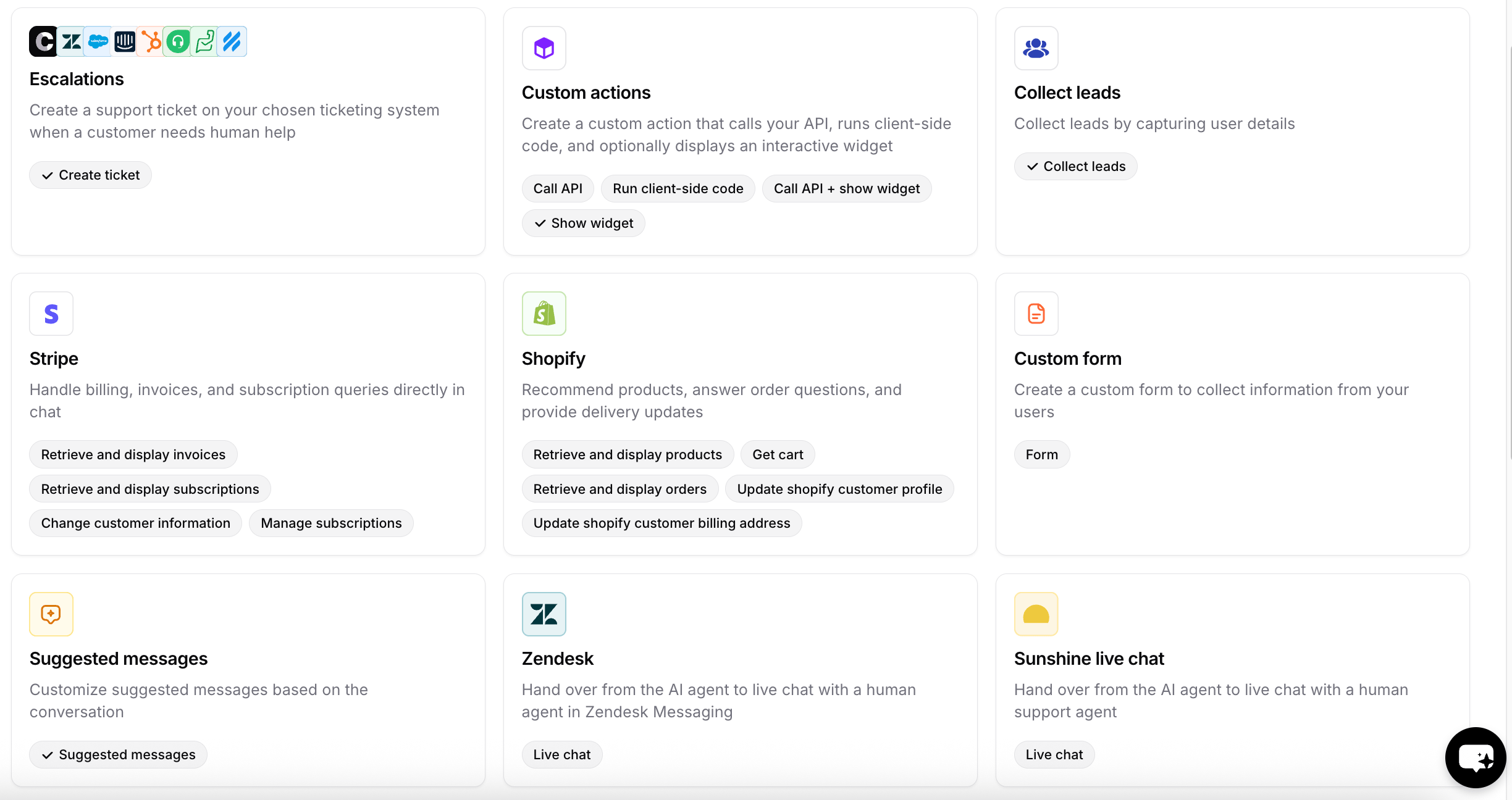
Available Actions
Support and handoff
Commerce
Lead capture
Scheduling
Other
Channels
Every Action has a Channels section in its configuration that controls where the Action is available. Channels appear in one of three states:
Configured and unconfigured describe your own setup, so the same Action shows a different split on different AI agents. Incompatible is a property of the Action itself: those channels never become selectable, no matter how you set the channel up.
Enabling an Action on a channel doesn’t force it to run there. It only makes the Action available, and the AI agent still decides when to call it based on your When to use instructions.
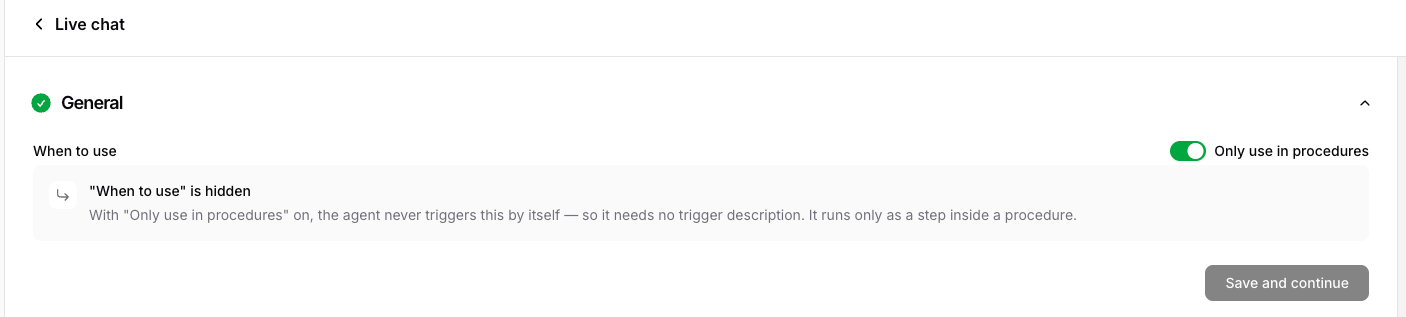
Only use in Procedures
Every Action has an Only use in Procedures setting in its configuration. Turn it on when you want the Action to run only as a step inside a Procedure, never on the AI agent’s own initiative. When enabled, the Action stays fully functional, but the AI agent won’t call it based on its own judgment; it fires only when a Procedure step references it with@action_name. Because the AI agent no longer decides when to use it, its When to use field is hidden.
Use it for high-control or sensitive tools (refunds, cancellations, escalations) that should fire only at the right point in a defined flow. See How Procedures run for how this behaves at runtime.