

Overview
Integrating Stripe with Chatbase lets your AI agent access and display key billing information directly to customers. The AI agent can securely retrieve and show subscriptions and invoice history, which streamlines common billing inquiries and gives customers a clear view of their payment status, all within the chat.What you can do:
Answer “what am I paying?”, “when does it renew?”, and “was my payment processed?” instantly, from live Stripe data, without a human touching the ticket.
Before you start
- A Chatbase account with an AI agent. If you haven’t built one yet, create a free Chatbase account and follow Your first AI agent.
- A Stripe account you can authorize, or a restricted API key from it.
Connection methods
Method 1: Install the Stripe app
1
Open the Stripe integration
- Head to your dashboard and click the AI agent you wish to integrate with Stripe.
- Click Integrations in the left sidebar.
- Click Connect under the Stripe card.
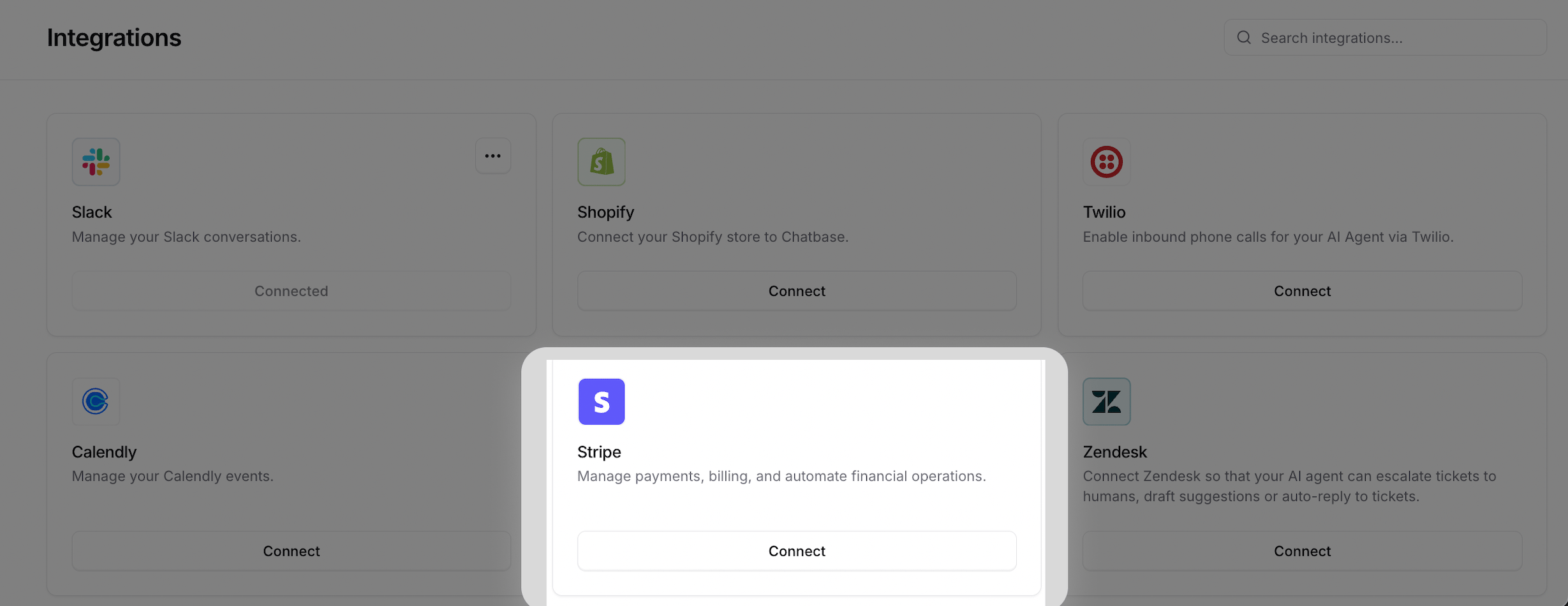
2
Authorize Chatbase
You’ll be asked to authorize Chatbase to access your Stripe account.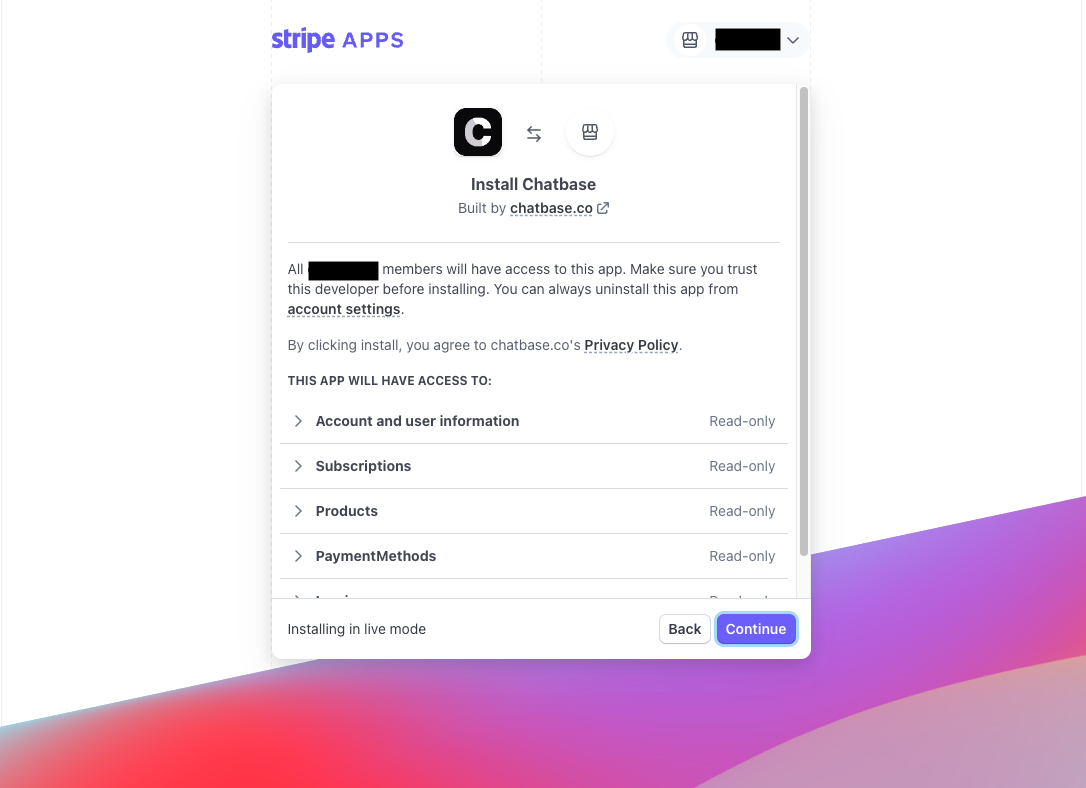
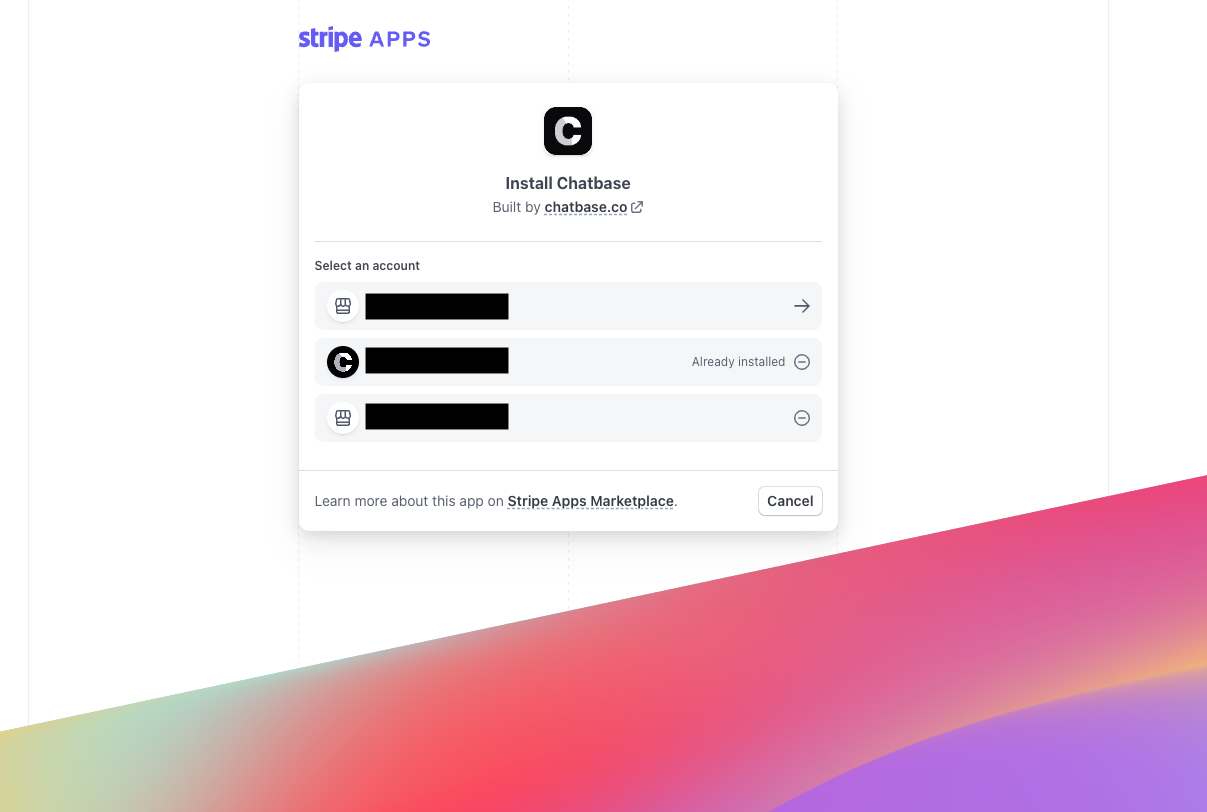
3
Confirm the connection
If all goes well, you’re redirected back to Chatbase with a message saying Stripe integration successful.
4
Add Stripe accounts to your contacts
Add Stripe account IDs to your customers’ contact records. See Contacts for details.
Method 2: Connect with a restricted API key
Connecting with a restricted API key gives you more control, letting you choose exactly which Stripe permissions Chatbase can access.1
Open the Stripe integration
Go to Integrations and select Stripe.
2
Choose restricted API key
Click Connect, then select Use a restricted API key.
3
Configure permissions in Stripe
Create a restricted API key in Stripe and grant only the permissions you want Chatbase to use.
4
Connect the key
Copy the restricted API key from Stripe and use it to complete the connection in Chatbase.
Connecting through the Stripe app is still the recommended option. Use a restricted API key when you want more granular control over the permissions granted to Chatbase.
Test the integration from your live site, signed in as an identified customer, and confirm the AI agent can retrieve that customer’s subscription details.
Limitations
- Stripe actions need an authenticated customer. Each customer must be identified, and matched to a contact record holding their
stripe_account. - In the Playground, they only run through Chat as user. Start the conversation with Chat as user and a User ID that matches a contact with a valid
stripe_account. Action Preview and Compare can’t identify a customer, so the actions don’t run there.
Next steps
Stripe Actions
Enable the actions that let customers check their subscription, review invoices, change plans, and update billing details from the chat.