
Nested Suggested Messages are now available
Nested Suggested Messages are now available
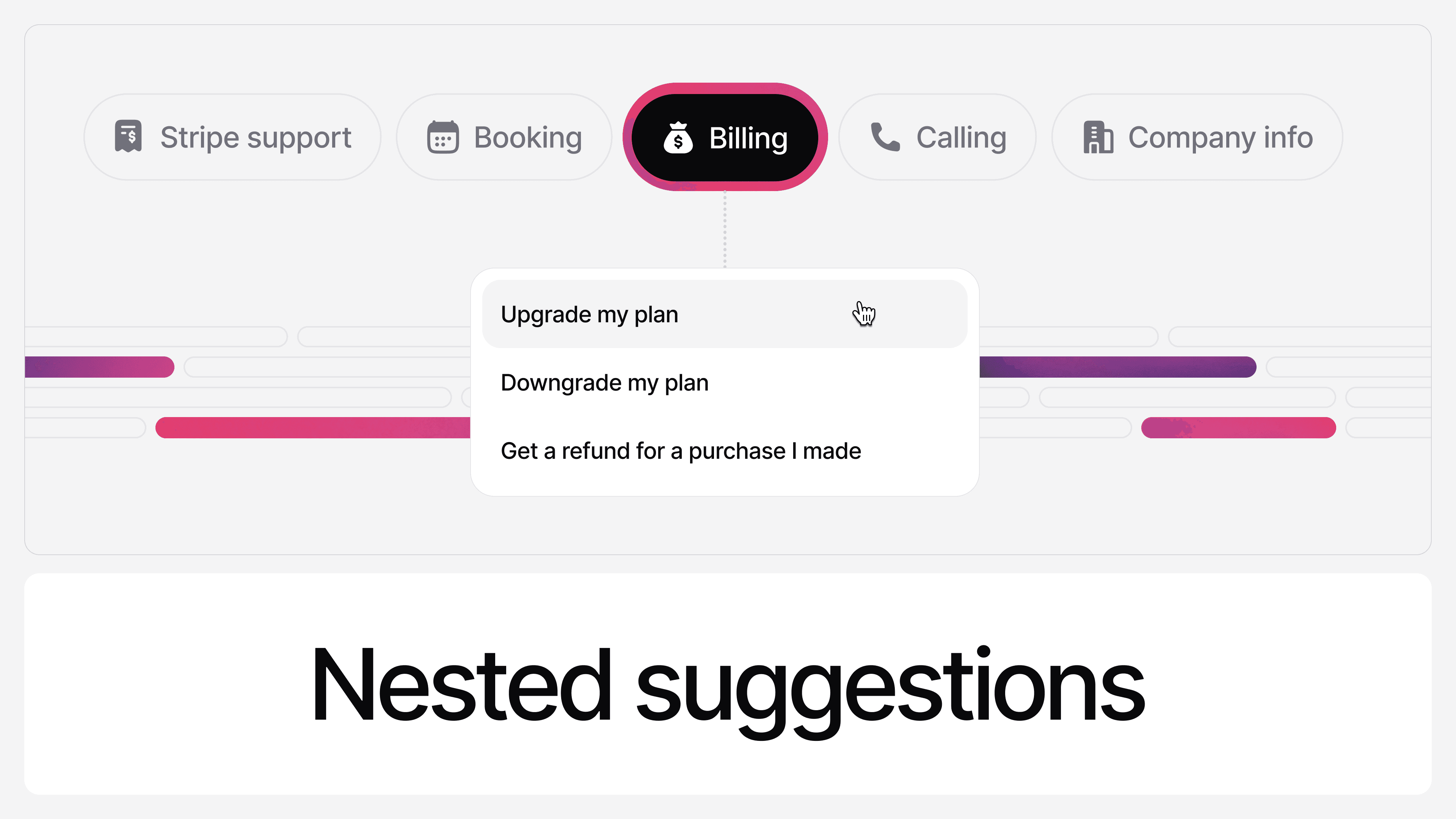
Suggested messages can now be nested inside the chat bubble, so you can group related topics under a main option instead of showing one long list of options.
This keeps the widget cleaner and helps customers get to the right action faster like: Orders → Track order / View order / Update billing details.
How to set it up:
- Go to deploy → Manage (Chat widget)
- In Suggested messages, use the nested option to group suggestions under a parent message
The world’s best customer experiences run on Chatbase
Join thousands of teams using Chatbase to build AI agents that deliver exceptional support at scale — across chat, email, and voice.