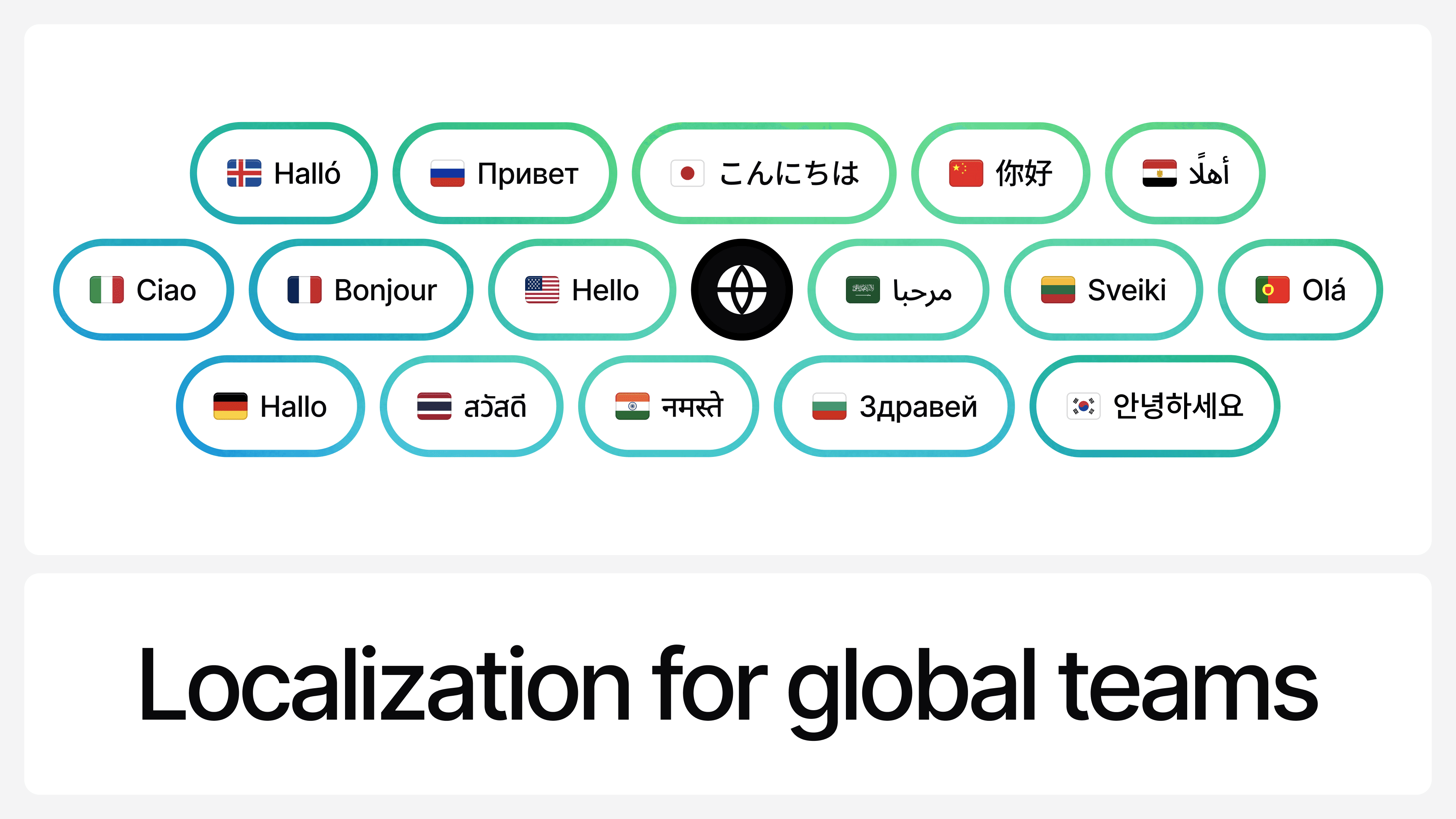

Localization of Chat UI With Your AI Agent
You can now localize your AI Agent's, chat menus, tooltips, and modals in 40+ languages, including right-to-left (RTL) languages.
This goes beyond multilingual conversations. While chatting with AI in different languages has always been supported, localization ensures the entire chat interface feels native, so customers interact with your AI Agent exactly the way they expect.
How to set it up:
- Go to Deploy → Manage (Inside Chat widget)
- Go to the Localization section
- Click Add language, choose a default language, and optionally add additional supported languages.
- Click Save changes
The widget automatically matches the user’s browser language when available, and falls back to your default language if not.
For the full details check our user guides
The world’s best customer experiences run on Chatbase
Join thousands of teams using Chatbase to build AI agents that deliver exceptional support at scale — across chat, email, and voice.