> ## Documentation Index
> Fetch the complete documentation index at: https://chatbase.co/docs/llms.txt
> Use this file to discover all available pages before exploring further.
# Overview
> AI actions let your agent do more than answer questions. During a conversation, the agent can trigger a task, pull in data, or hand off to a person, so it can actually resolve requests instead of just replying to them. Each action connects your agent to a specific tool or workflow. The available actions are below.
Support and handoff
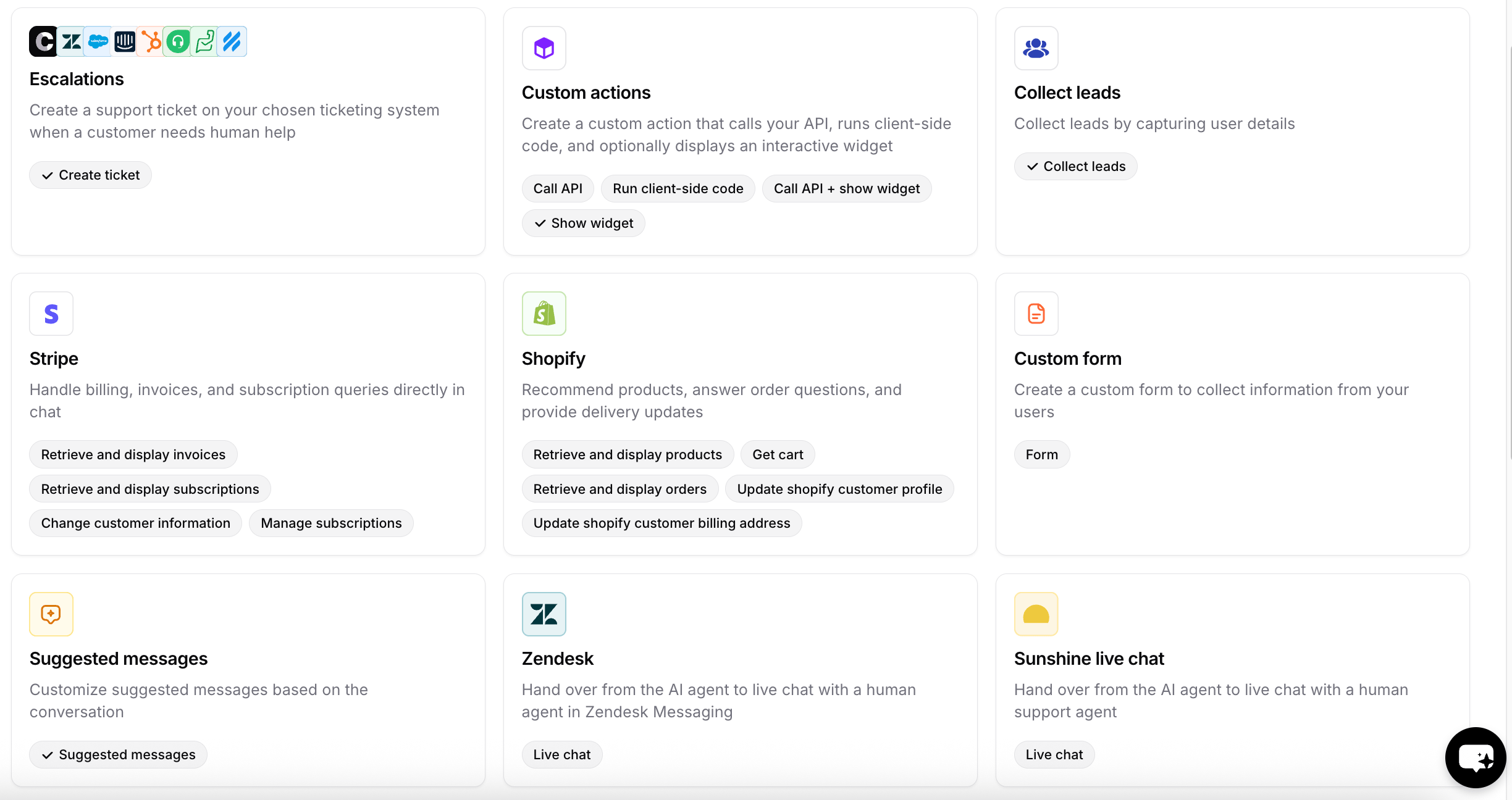
* **Escalations**: Create a support ticket in your ticketing system when a customer needs human help.
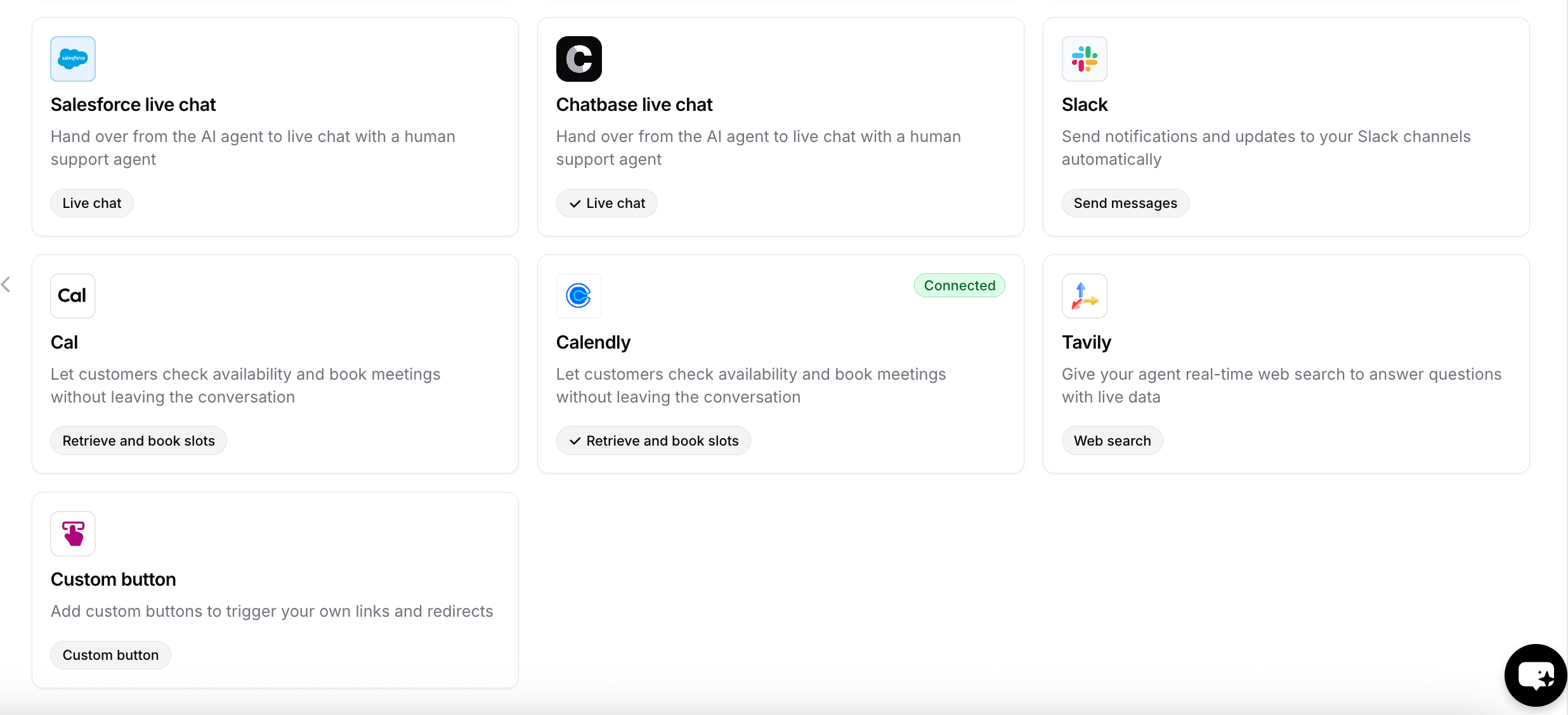
* **Chatbase live chat**: Hand off from the AI agent to a human agent in Chatbase.
* **Salesforce live chat**: Hand off to a human agent in Salesforce.
* **Sunshine live chat**: Hand off to a human agent in Sunshine.
Commerce
* **Stripe**: Handle billing, invoices, and subscription queries in chat.
* **Shopify**: Recommend products, answer order questions, and provide delivery updates.
Lead capture
* **Collect leads**: Capture user details as leads.
* **Custom form**: Collect information from users with a custom form.
Scheduling
* **Cal**: Let customers check availability and book meetings without leaving the chat.
* **Calendly**: Let customers check availability and book meetings without leaving the chat.
Other
* **Custom actions**: Call your API, run client-side code, and optionally show an interactive widget.
* **Suggested messages**: Show suggested replies based on the conversation.
* **Slack**: Send notifications and updates to your Slack channels.
* **Web search**: Give your agent real-time web search to answer questions with live data.
* **Custom button**: Add buttons that trigger your own links and redirects.
Note that you can create more than one action of the same type.\
Example: Escalations on your website and Escalations on Instagram, in case they need separate "when to use" rules or different data to collect from the user before opening the ticket.
Support and handoff
* **Escalations**: Create a support ticket in your ticketing system when a customer needs human help.
* **Chatbase live chat**: Hand off from the AI agent to a human agent in Chatbase.
* **Salesforce live chat**: Hand off to a human agent in Salesforce.
* **Sunshine live chat**: Hand off to a human agent in Sunshine.
Commerce
* **Stripe**: Handle billing, invoices, and subscription queries in chat.
* **Shopify**: Recommend products, answer order questions, and provide delivery updates.
Lead capture
* **Collect leads**: Capture user details as leads.
* **Custom form**: Collect information from users with a custom form.
Scheduling
* **Cal**: Let customers check availability and book meetings without leaving the chat.
* **Calendly**: Let customers check availability and book meetings without leaving the chat.
Other
* **Custom actions**: Call your API, run client-side code, and optionally show an interactive widget.
* **Suggested messages**: Show suggested replies based on the conversation.
* **Slack**: Send notifications and updates to your Slack channels.
* **Web search**: Give your agent real-time web search to answer questions with live data.
* **Custom button**: Add buttons that trigger your own links and redirects.
Note that you can create more than one action of the same type.\
Example: Escalations on your website and Escalations on Instagram, in case they need separate "when to use" rules or different data to collect from the user before opening the ticket.
 ***
***